Shareable Link: landing.html?for=indie&lang=en
For founders who build in public

Product screenshots
people stop scrolling for

Capture any part of your app, hide customer data, and turn it into a polished image for X, Product Hunt or your changelog — without opening Figma.

Open the live demo (Alt + S) Try it right here ↓
Free to start · No account · Runs in your browser

Free · Daily capture

Try editing and hiding private data right here. Capture, crop, annotate and export on the live demo page.

Pro · Advanced workflows

See what Pro makes below. With the extension installed, try every feature on the live demo page.

Free · Edit webpage text before capture

Click Edit text, change the sample title or description, then try masking private data. This is a browser-only sample.

Product update · Draft

Replace this draft with wording you are ready to share.

Customer: demo@example.com

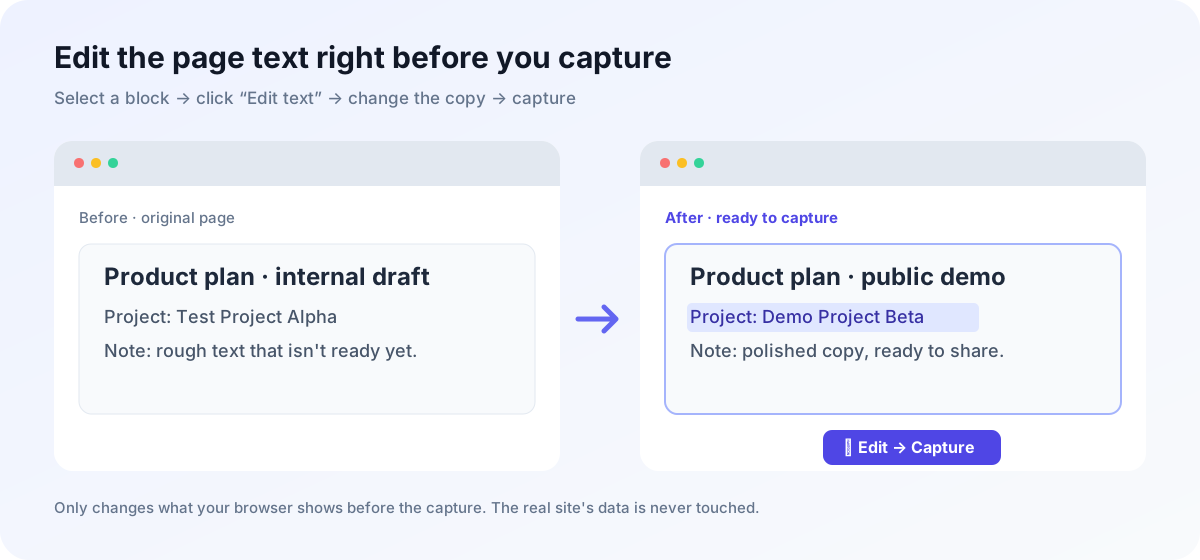
The extension can edit selected webpage text before taking a screenshot.
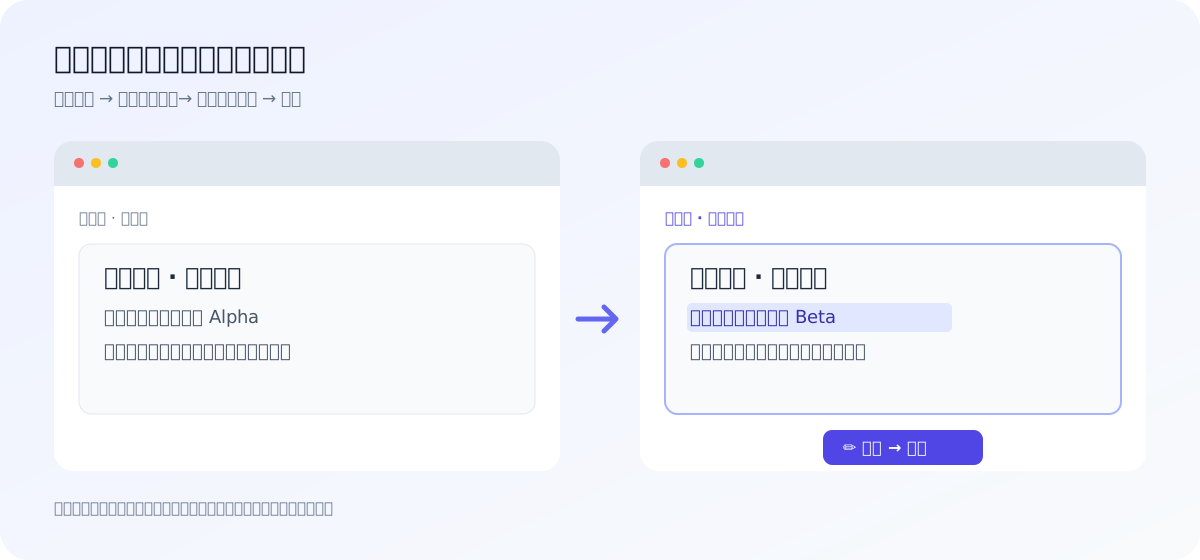
Before and after example of editing webpage text before capture

To capture, annotate and export a real page, open the live demo with the extension installed.

Open the live demo →
⚡ Live QA Telemetry Demo:
🚨 P0 Blocker Checkout 500 Internal Server Error / UI Freeze
🌐 https://app.yoursaas.com/checkout · 💻 Chrome 131 (Win11) · 📐 1440×900 (@2x DPR) · 🕒 19:52:08
1 Clicked Confirm Charge
Enterprise Subscription Checkout (v2.4)
Auth Header: Bearer sk-**************** · User ID: usr_99281a
❌ Error: Payment failed, please try again later (Trace ID: req_98a7bc12)
🛠️ BUGSNAP AUTO-CAPTURED DEVTOOLS TELEMETRY 📦 localStorage: 4 keys · sessionStorage: 2 keys · Auth: Valid
🚨 [CONSOLE ERROR] Uncaught TypeError: Cannot read properties of null (reading 'transaction_id') at Checkout.js:142:18
🌐 [NETWORK 500] POST /api/v2/payment/charge → 500 Internal Server Error (342ms) | Response: {"code":"DB_DEADLOCK"}
💡 A dedicated companion extension (Shortcut: Alt + B)
⚡ Try 3-Mode Redaction & SOP Step Legend:
SOP GUIDE Standard Operating Procedure: Enterprise Refund Approval & Billing Audit
1 Verify Contract Status
2 Click Approve & Export
Enterprise Billing Admin Portal
Merchant API Key: sk-****************
Customer Work Email Phone Contract Value Status
1 Verify the customer's Contract Value and Pending status in the billing table
2 Click the blue "Approve & Export CSV" button in the top-right corner
🛡️ Internal Training & Help Center SOP · Sanitized with SnapCard
⚡ Click to Toggle Indie Hacker Promo Effects:
🏆 #1 Product of the Day on Product Hunt!
🔒 app.yoursaas.com/revenue Product Hunt 1270×760
MONTHLY RECURRING $10,480 ▲ +184% MoM
Stripe Live Revenue & Subscriptions
Latest Subscriber: team@vercel-partner.io · Card: 4242 •••• 9912
⚡ Live Production
Monthly Recurring (MRR)
$10,480.00
Active Paid Users
542 (+48)
Webhook Key
sk-live998123abc
Built by @alex_indie · 🌐 snapcard.dev
⚡ Compare 3:4 Paragraph-Safe Carousel vs Wide Screenshot:
Claude 深度长文笔记 1 / 2

🤖 为什么宽屏网页直接截图发小红书没人看?

电脑网页通常是 1200px 宽屏排版,如果直接截屏发到手机竖屏(3:4)信息流里,字号会被缩小 60% 以上,读者需要双指放大才能看清。

💡 截图前先排成手机阅读宽度,字号清晰饱满!
📌 @效率工具主理人 左滑看下篇 →
Claude 深度长文笔记 2 / 2
✨ 自动承接上一段落(零劈字切分)

同时,插件会自动计算每个段落与代码块的精确高度,只在段落空白间隙处切分图片,绝不会把任何一行文字从中间劈成两半!

✓ 自动重排为 440px 竖屏大字号
✓ 只在段落之间的空白处切图
✓ 一键打包下载全套 3:4 笔记卡
📌 @效率工具主理人 全文完 ✨
Why Indie Hackers & Teams Replace Screenshots with SnapCard

High-converting product visuals, zero-leak SOP guides, and vertical social carousels — rendered 100% locally in your browser.

Simple, Transparent One-Time Pricing

Try every Pro feature free for 14 days — no card needed. After that, keep using Free or buy Pro once. No subscription.

Free

Everything for everyday screenshots.

$0 / forever
  • ✓ Capture any block, any area or the whole page
  • ✓ Edit page text and blur private data before you capture
  • ✓ Arrows, numbers, notes, spotlight and pixelate
  • ✓ 4 backgrounds and a clean title-bar frame
  • ✓ Download or copy as PNG — no watermark
Start free